


FJD Trion Creative Portal Pro Browser-Based Floor Plan Platform
Why Choose Creative Portal Pro
- Browser-based floor plan editing
- One-tap upload from the Creative mobile app
- 3D mesh-guided plan refinement
- Wall, door and window editing
- DXF and floor plan report export
- C1 project support


Pairs well with
Secure Cloud Storage
Lifetime Customer Support
Limited-Time Free Credits & Storage

Explore Creative Portal

Floor plans take shape fast
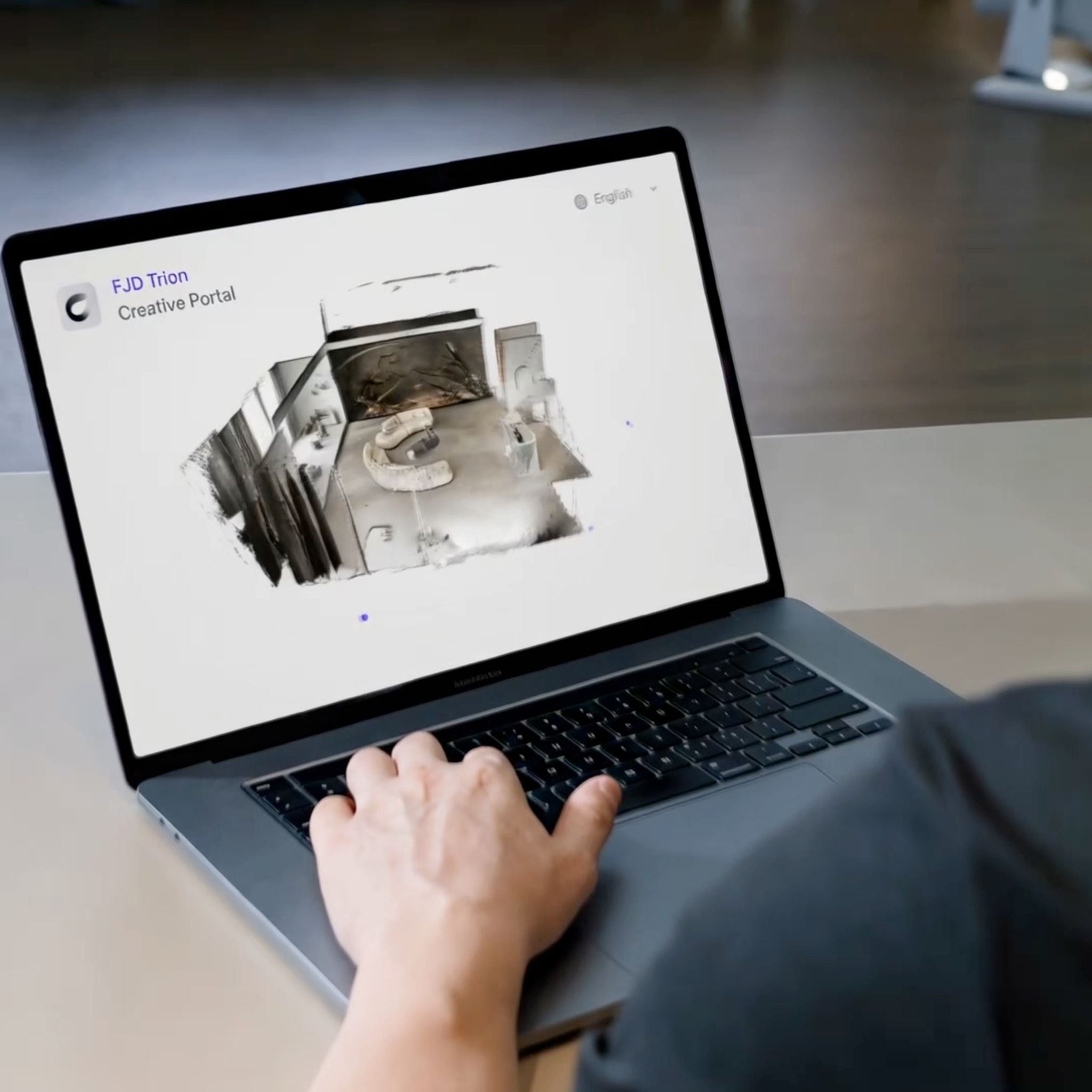
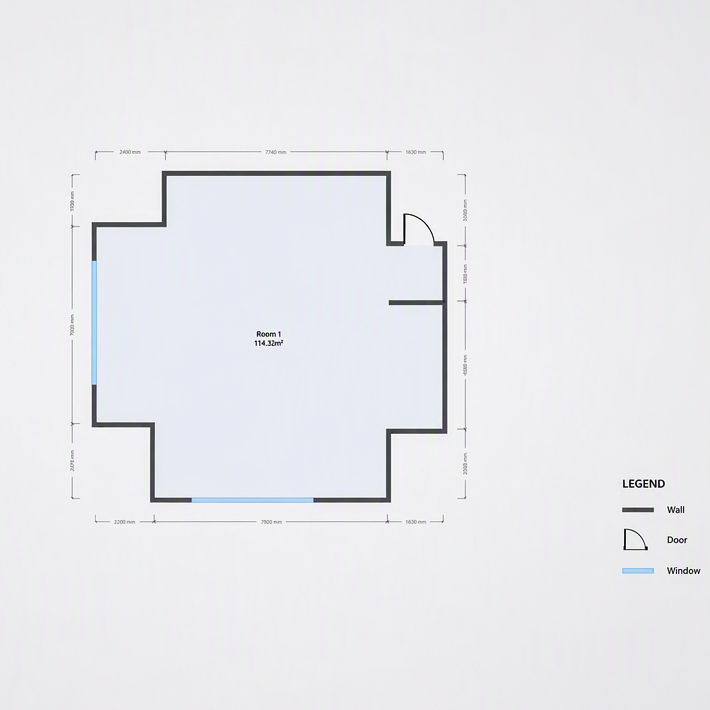
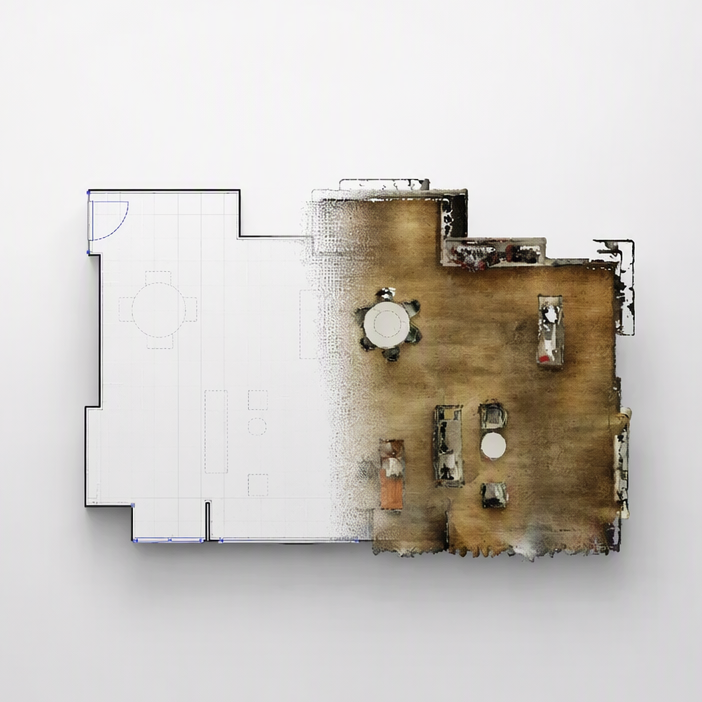
Upload your indoor scan and start with a generated floor plan instead of a blank CAD file.

Edit with reality in view
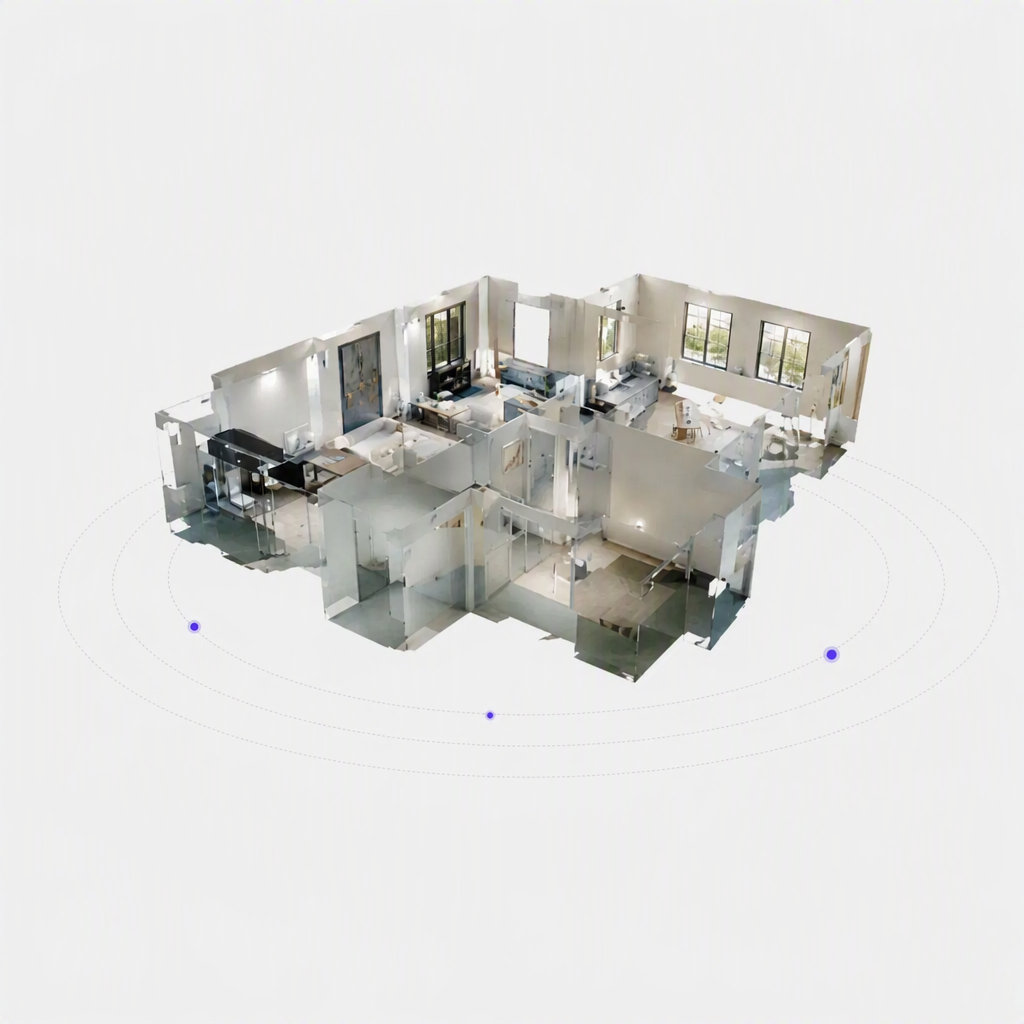
Keep the 3D mesh visible while checking walls, openings and room boundaries.

Refine, not redraw
Adjust walls and add doors or windows directly in your browser.

Export what the project needs
Download an editable DXF or a clear floor plan report for the next stage.

30% off every task
Get more done with every credit as a Creative Pro member.
Pay as you go
- Pay with credits as needed
- Floor plan editing and export included
- Standard credit rates
- Best for freelancers and occasional floor plan projects
Pro
- Pay with credits as needed · 80 GB storage
- All Creative Portal features
- 30% off standard credit rates
- Best for interior designers, remodelers and floor plan professionals
Business
- Custom storage and credit packages
- All Creative Portal features
- Custom credit rates
- Best for teams with high-volume floor plan workflows
FAQs
Please read our FAQs page to find out more.
What is FJD Trion Creative Portal?
FJD Trion Creative Portal is cloud-based floor plan software that turns compatible indoor LiDAR scans into editable floor plan drafts. Review the 3D mesh, refine walls, add doors and windows, then export your deliverables in the browser.
What file formats can I export from Creative Portal?
Creative Portal supports GLB, DXF, SVG, PNG, JPG and PDF exports. Export 3D data as GLB, continue floor plan work in CAD with DXF, create scalable SVG files, save plans as PNG or JPG images, or generate a PDF floor plan report.
What is Creative Portal Pro?
Creative Portal Pro is an annual plan for professionals who regularly process indoor scan projects. It includes all Creative Portal features, 80 GB of cloud storage and 30% off standard credit rates.
Do I need Pro to edit and export floor plans?
No. Floor plan editing and export are available with Pay as you go. Pro is designed for regular users who need all Creative Portal features, more cloud storage and lower credit rates.
What is the difference between Pay as you go and Pro?
Pay as you go has no annual subscription and uses standard credit rates. Pro costs $299 per year and includes all Creative Portal features, 80 GB of cloud storage and 30% off standard credit rates.
Who is Creative Portal Pro for?
Pro is best for interior designers, remodelers, architects and other professionals who regularly process indoor scan projects and want more storage and lower credit costs.